 Zarf
Zarf
Nothing else to install
Zarf reads, lays out and checks documents itself, in Swift, on your device. You don't need a computer at hand to read what UYAP sent you.
- Java
- Uploading to a server
- Account
- Internet connection
- Analytics or ads
Faithful pages
The page you see is the page they wrote.
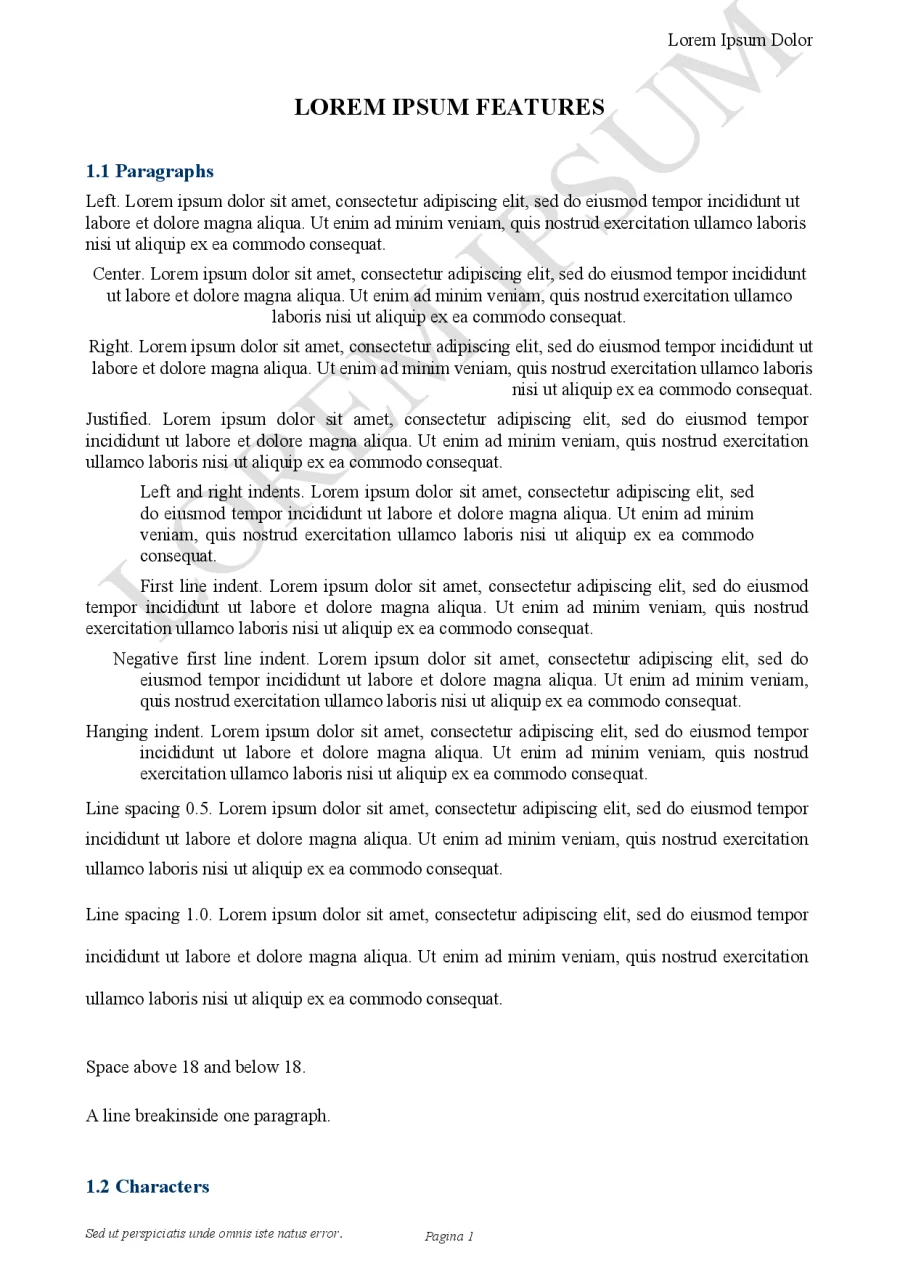
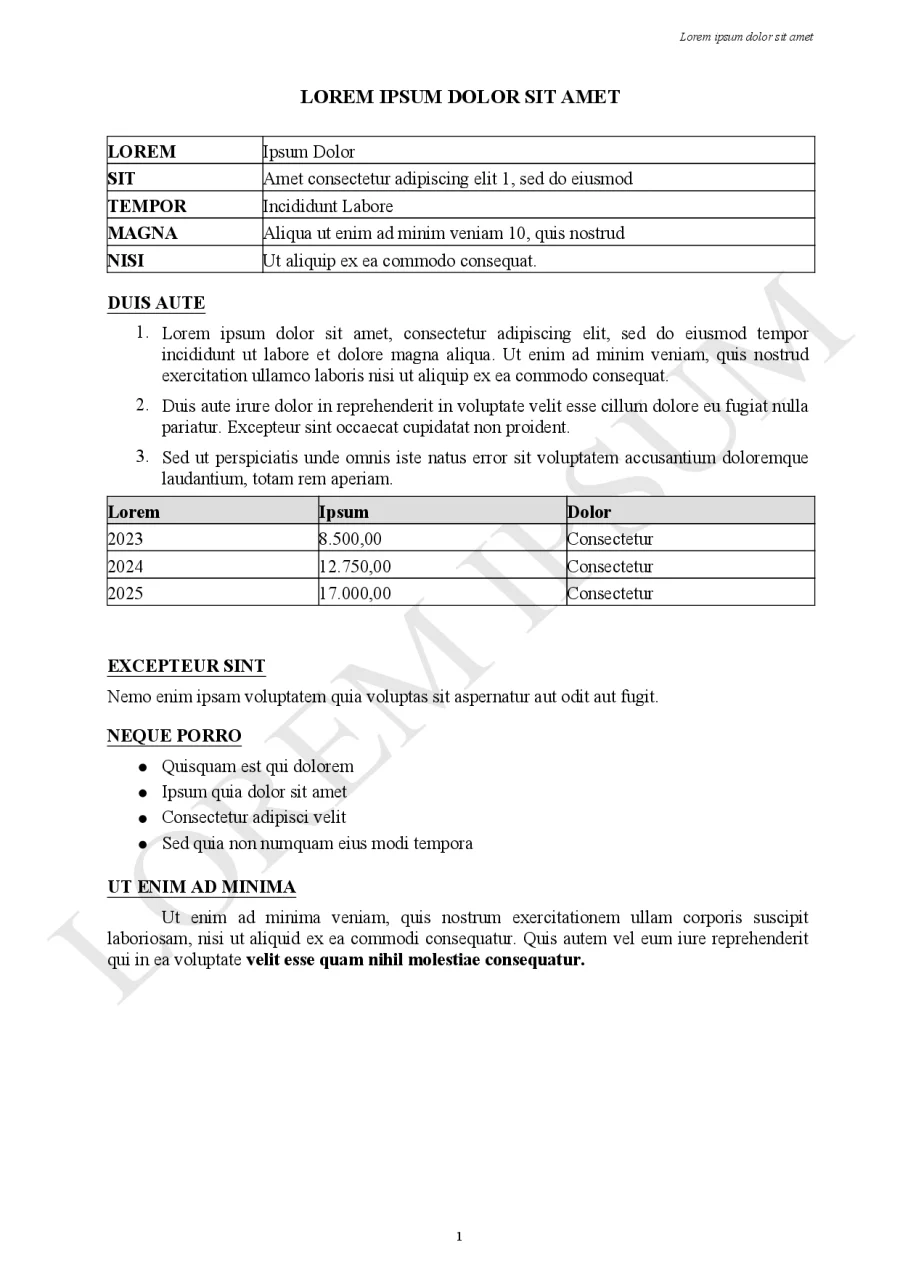
Zarf follows how a document is meant to look down to the point: the same line heights, the same justified lines, the same list numbers.
- Paper and margins. All the standard paper sizes, with headers, footers and page numbers where they belong.
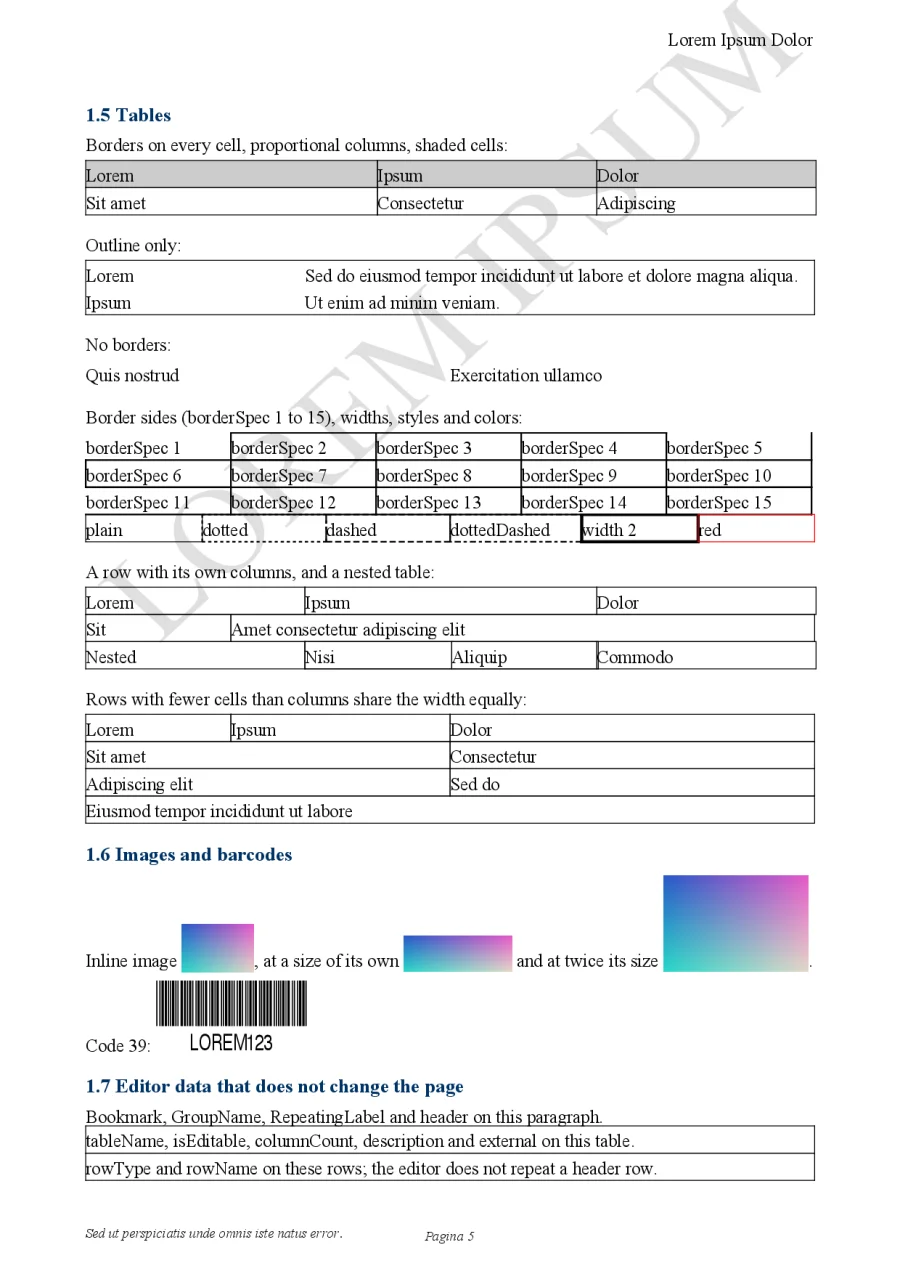
- Lists and tables. Numbered and bulleted lists in every style, Turkish letters included, and tables with merged cells, shading and borders.
- Everything else on the page. Fonts, colors, tab stops, images, Code 39 barcodes, text watermarks and background images.
- Search and print. Find text in the document, and print exactly what is on the screen.
E-signatures
Know whether a document changed after it was signed.
Zarf checks every signer of a document and reports the worst one. When a document was modified or a signature fails, the signatures open by themselves.
What Zarf checks
- The text is exactly what was signed, to the byte
- The signature matches the signer's certificate
- The certificate was valid at the signing time
- It is a qualified certificate from a provider authorized by BTK
What it cannot check
- Whether a certificate was later revoked, which needs a network
- When the document was really signed: the time is the signer's own claim
- The UYAP verification code, which is shown for you to check on UYAP
The providers' root certificates come with the app and are pinned by their hashes, so checking a signature needs no connection. It is a technical check, not a legal validation, and Zarf says so every time.
At home on every device
One app for iPhone, iPad and Mac.
-
iPhone and iPad. Tap a
.udfin Files, Mail or Messages. Pages are fitted to the width, and you pinch to zoom. - Mac. Double-click in Finder. Windows work like Preview, with page thumbnails, search and the shortcuts you already know.
- Opened in place. Zarf only reads your documents. It never changes or copies them.
- Free. One app on the App Store for all three, with no purchases inside it.
Honest limits
Zarf is a viewer. It cannot edit or sign documents. It is an independent app, not made by or affiliated with the Ministry of Justice or UYAP. When a page ever looks wrong, we would like to hear about it.